Product images are now partitioned into Sub Directories keeping each directory with around 10,000 images, although there is no hard limit.
When you add an image to a product in Miva, it automatically gets partitioned into a subdirectory within the graphics folder:
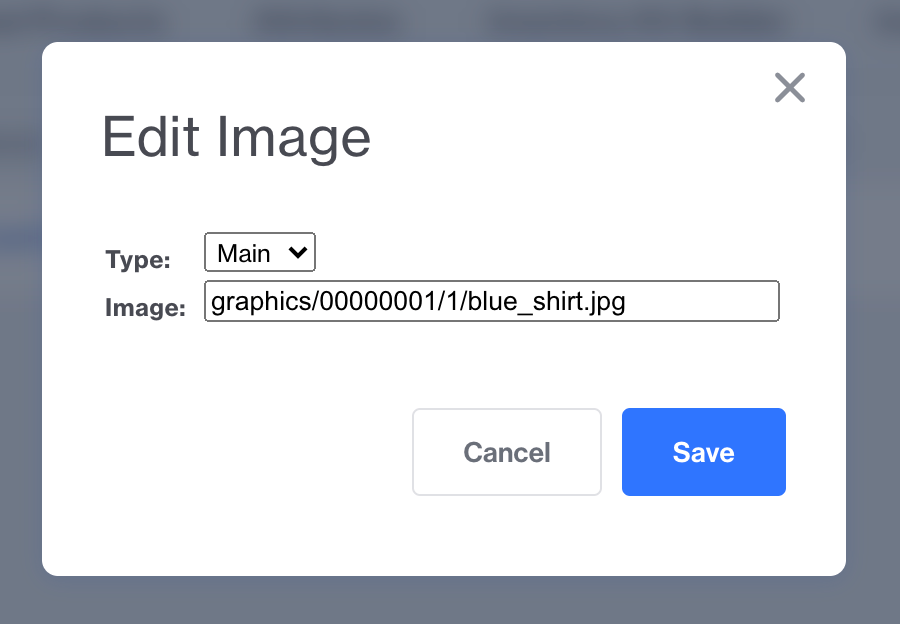
The subdirectories are created and managed automatically on the server. Miva will start a new numeric subdirectory once there are 2,500 master images in a folder. On average each master has 3 additional image sizes which take the total number of images close to 10,000.
It is worth noting these subdirectories will apply to all images uploaded via the Miva image picker. This includes product images, Shadow Theme Images, and things like category tree and category title images.
Image Migration Utility
In Miva Admin, go to User Interface → Media to access the image management tools, here you can partition existing images into subdirectories.
- Click Partition Images.
- Review the confirmation message and click Continue.
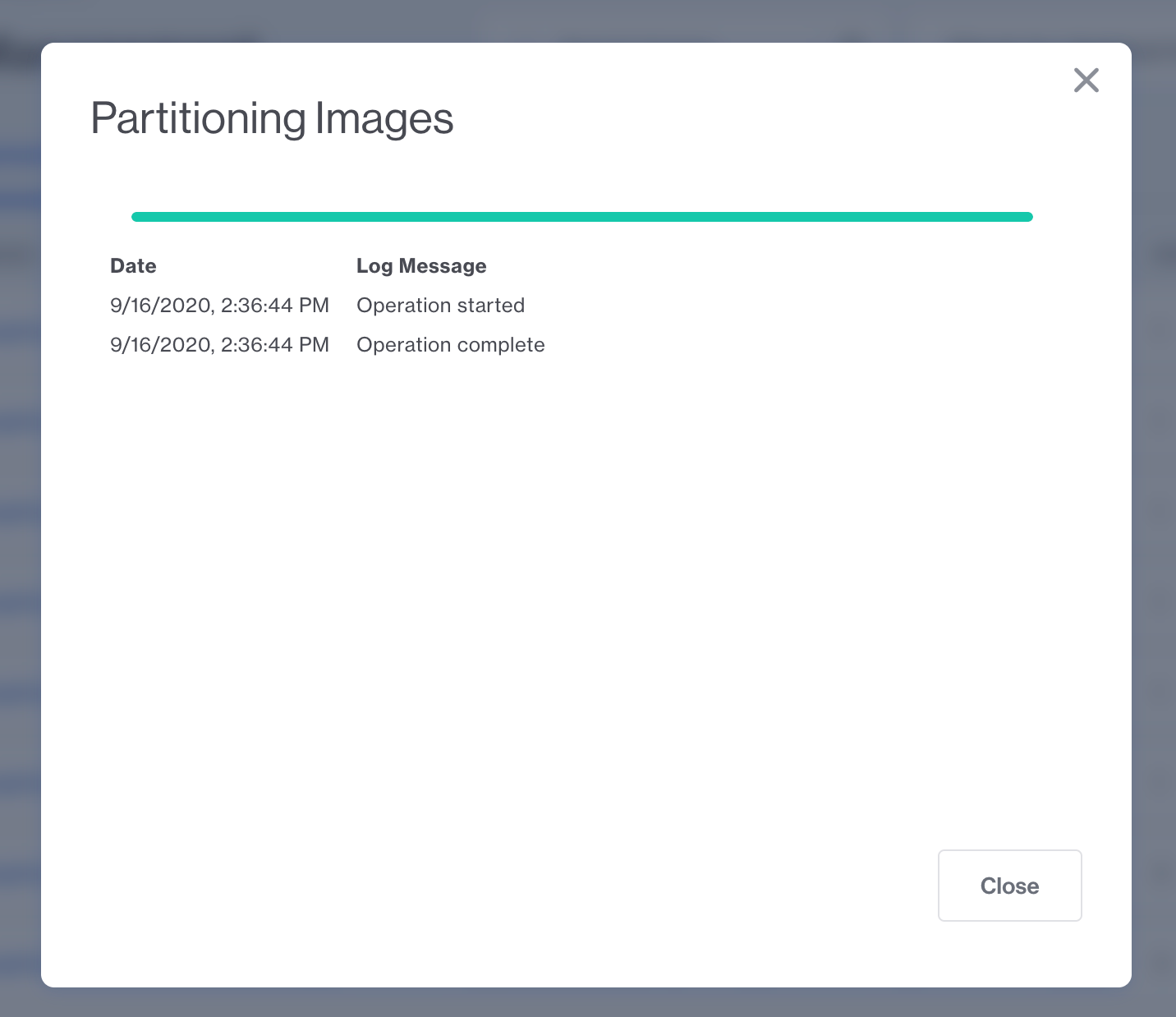
- Once the process is complete, click Close.
Note: Depending on the number of images in your store, this process may take some time to complete.
Notice the warning message:
This migration wizard will only update images that are referenced in Miva. These are images that have been uploaded via the Miva image picker and have an entry in Miva's Images database. All other images which have been uploaded to the server via FTP will not be impacted.
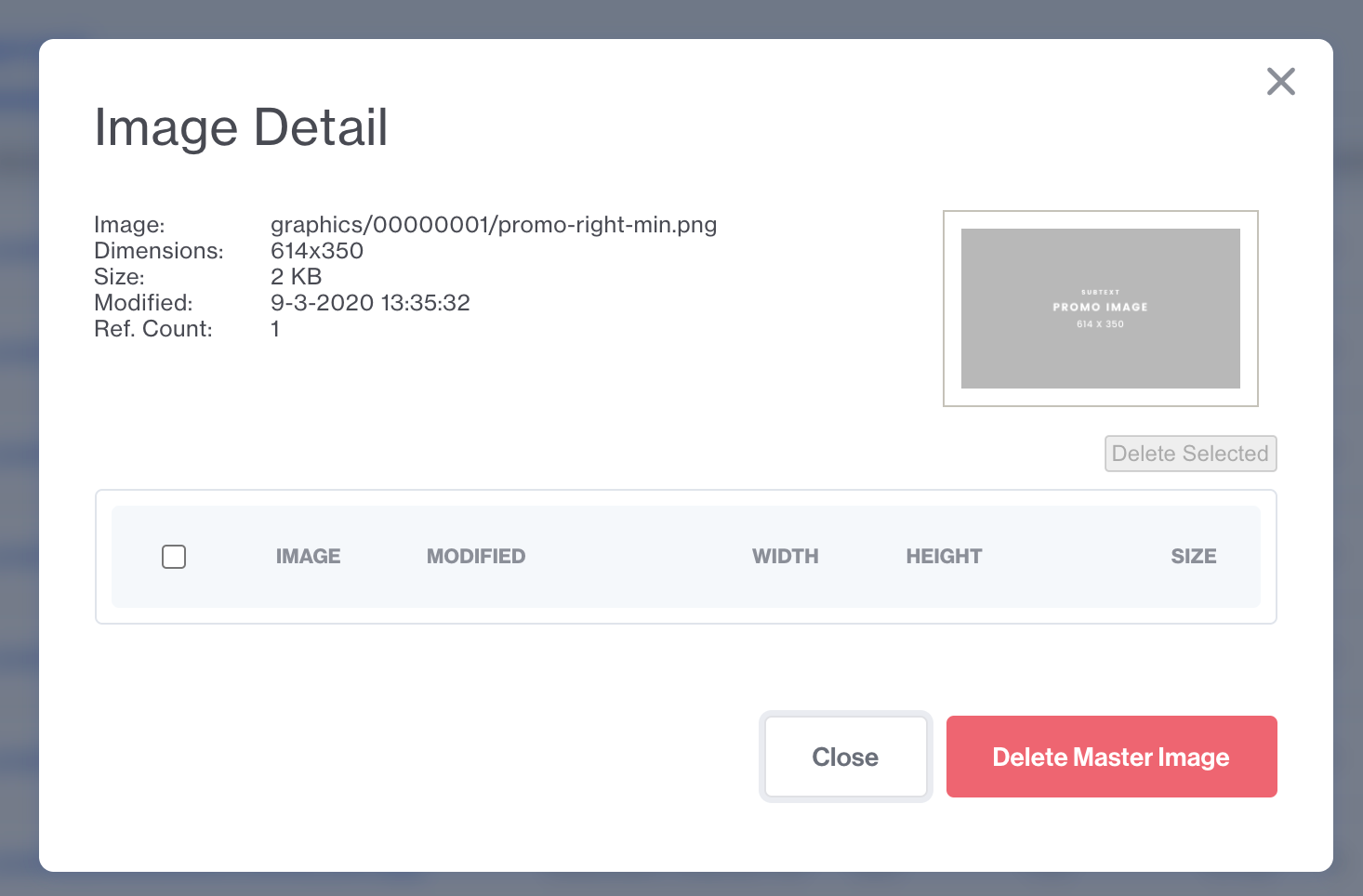
Before:
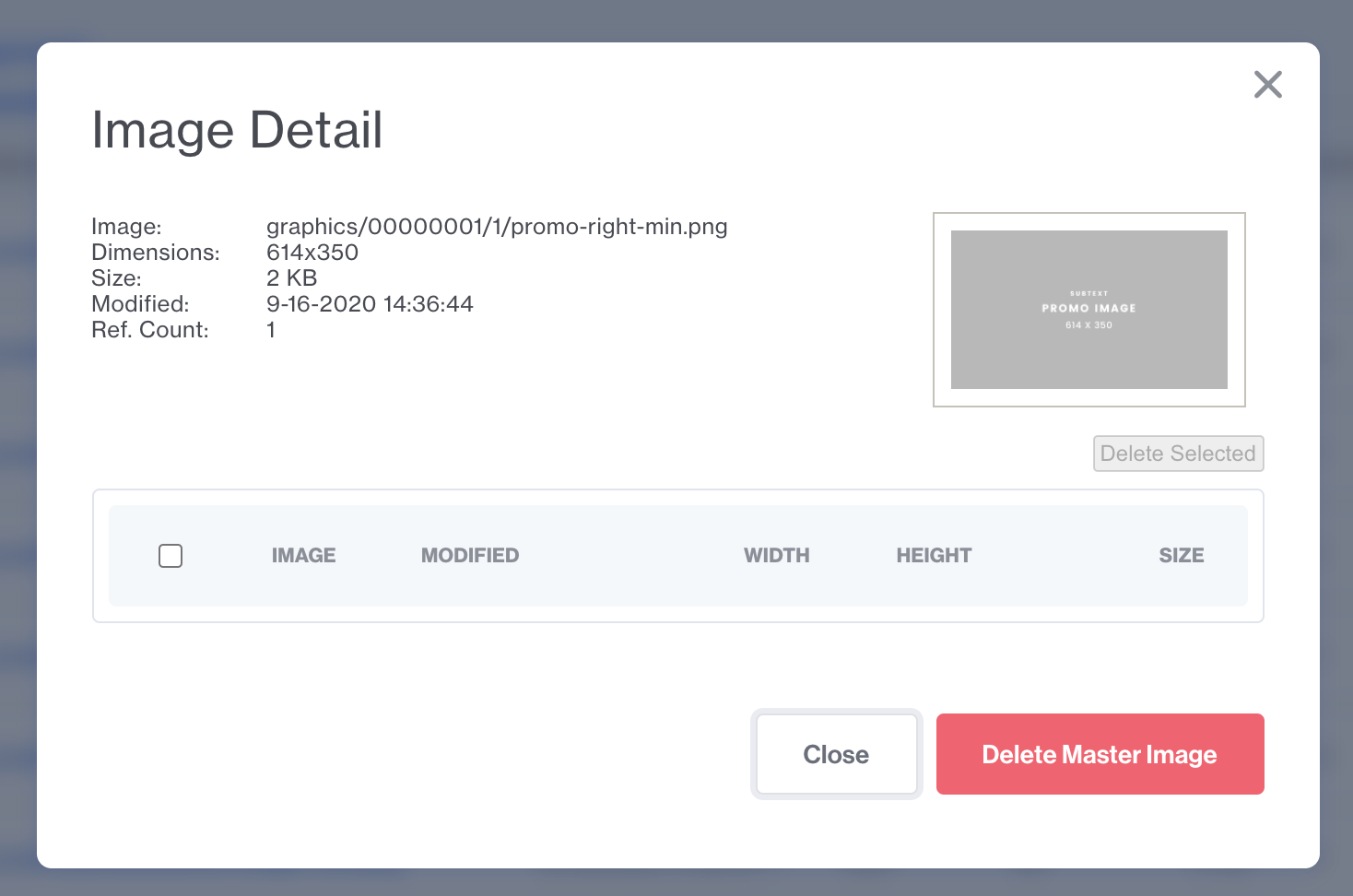
After:
While it is not very common, but it is important to look through all page templates to verify there are no hardcoded image paths. Also, consideration needs to be given to product feeds with image paths. After the migration, feeds with hardcoded image paths need to be re-generated so they will output the correct image path.
Example Feeds:
- Google Shopping
- Search Feeds (Search Spring, etc)
- XML Sitemaps with Images